
Clients
Apple TV
A native SwiftUI app covering the core Fliks experience, built specifically for tvOS.
What it is#
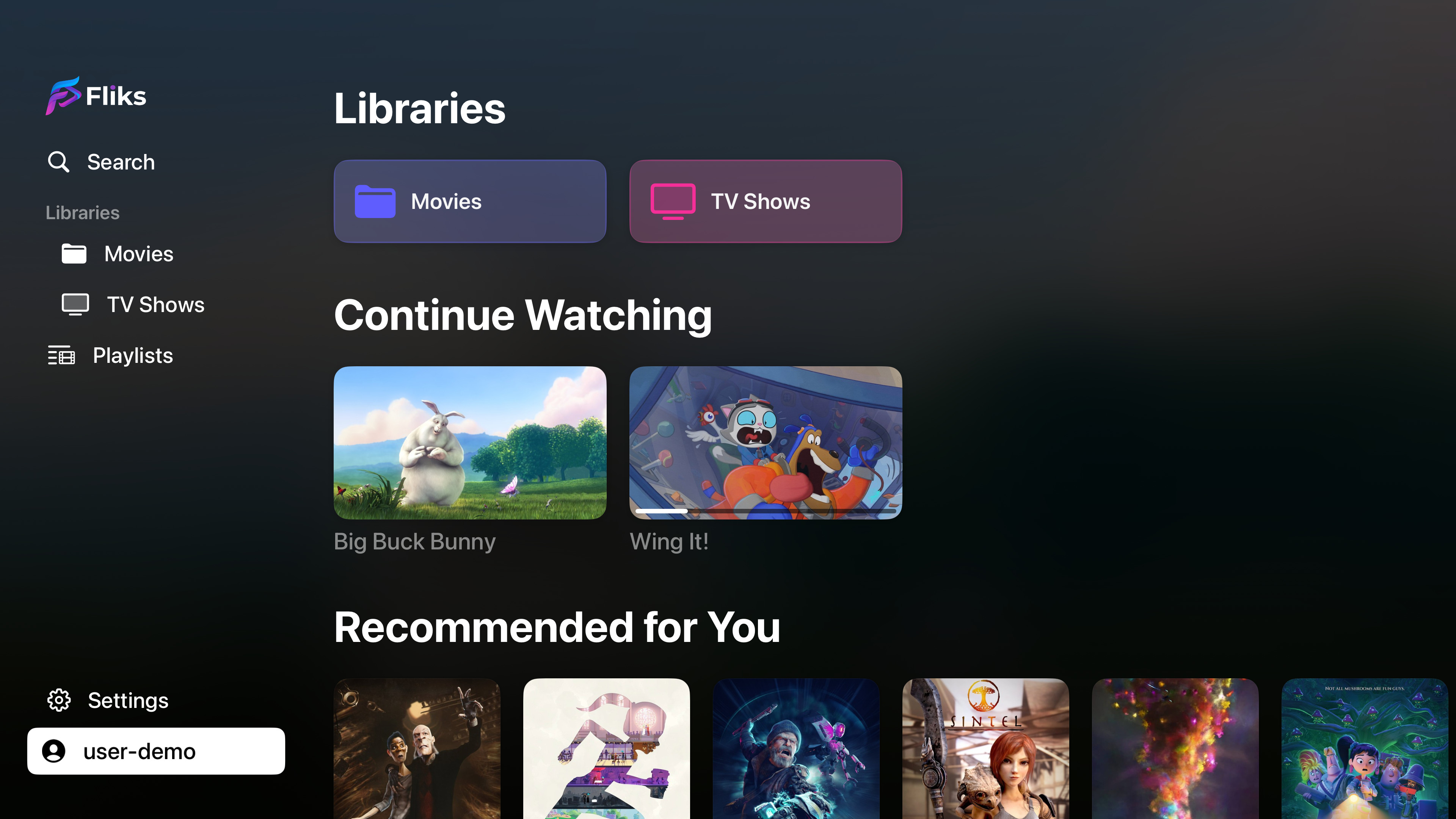
The Apple TV app is a separate, native SwiftUI codebase, not a build of the same Angular interface used everywhere else: tvOS has no web view to run that interface in, so it's a purpose-built app instead. It covers the core of Fliks: signing in, the home page, browsing a library, a title's detail page (including individual episodes), search, playlists, settings, and the player.
Getting it#
Install "Fliks" from the App Store. Requires tvOS 17 or newer.
Signing in#
Enter your server's address on first launch, then sign in with a password, or use Quick Connect: the same "approve from your phone" flow every other client uses, with no code to type. The waiting screen also shows a QR code that opens the Login requests page on a phone that's already signed in. See Pairing and remote control for how approval works.
Playback#

Video plays through tvOS's own system player, which is what gives you the standard Apple TV scrubbing bar, info panel, and audio/subtitle pickers. On top of that, Fliks adds its own skip-intro button with a countdown, a next-episode prompt with autoplay, and the same automatic subtitle selection logic (off, always, or automatically matching your audio) used elsewhere.
Because the Apple TV app doesn't keep a permanently open connection to the server, remote control commands sent to it (play, pause, load a title, switch a track) are picked up by checking in with the server every 2 seconds rather than arriving instantly.
What isn't on Apple TV#
- No offline downloads.
- No Live TV.
- No casting to a Chromecast.
- No server administration.
These follow the same pattern as every other TV client: consistent with keeping TV apps focused on watching rather than managing the server.
See also#
- Pairing and remote control
- Playback for skip intro, next episode and resume, which all apply here too