
Administration
Integrations
The Integrations group of the administration area - Media servers, Imports and Notifications, with every field, notification service and event.
Integrations connects Fliks to other software, and none of it is needed to watch your files. Notifications sends alerts to chat services and turns on phone push. Media servers tell another server to rescan, and Imports bring data in from elsewhere.
Notifications#
Alerts to Discord, Slack, ntfy, Gotify or a webhook, and the switch for phone notifications: see Alerts to Discord, Slack and ntfy and Push notifications.
Media servers#
Use this when a second media server reads the same files as Fliks and should rescan as soon as Fliks adds a download, a subtitle or deletes a file. A saved server also lets Imports read its watch history.
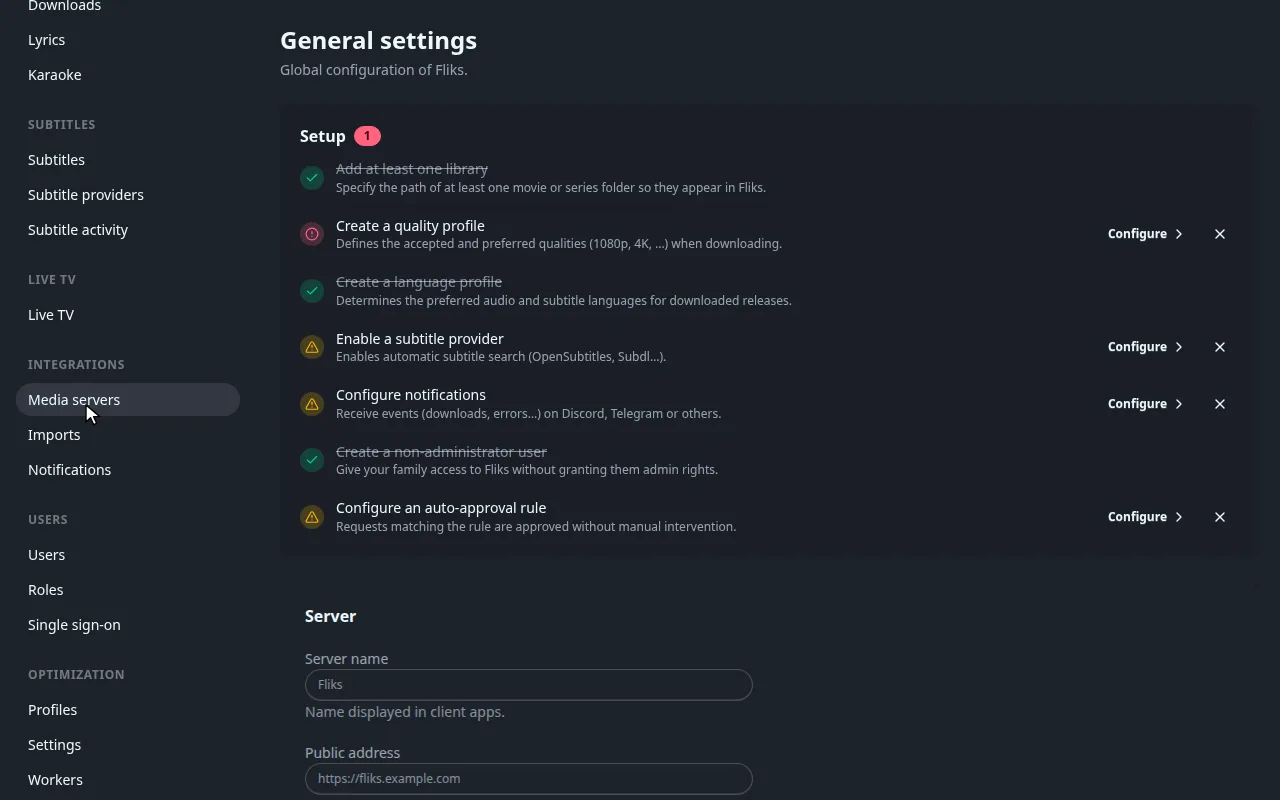
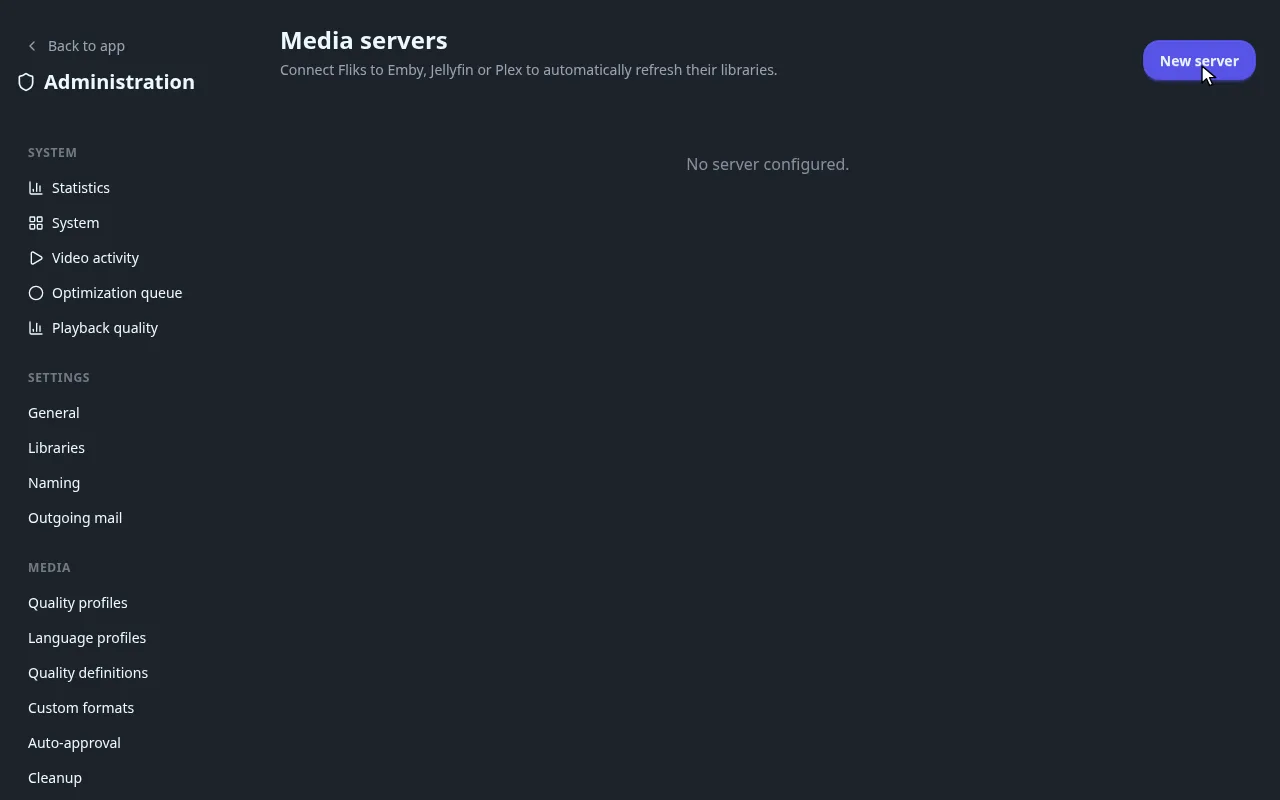
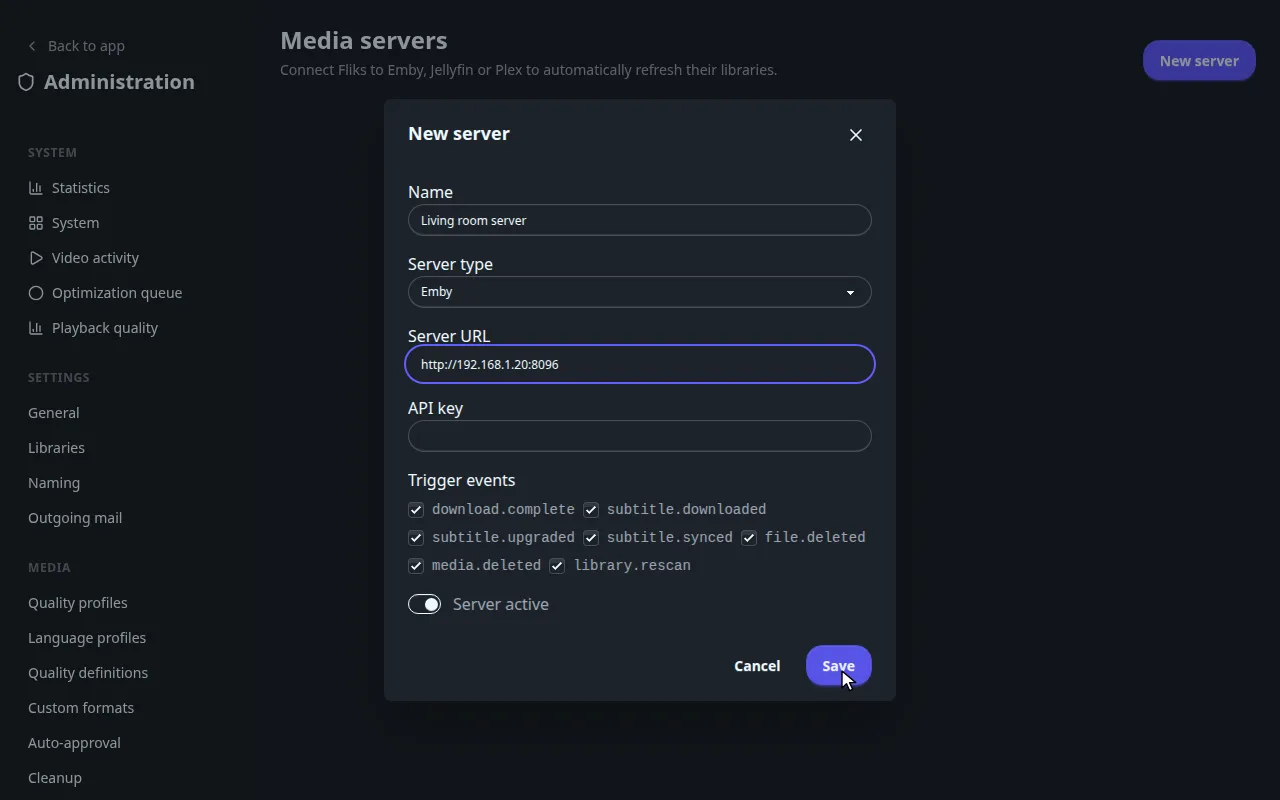
Media server fields and trigger events
| Field | Meaning |
|---|---|
| Name | Your label for the row. Required. |
| Server type | The kinds of server Fliks can notify. One type is offered today. |
| Server URL | Where the server answers, for example http://host:8096. Required. |
| API key | The key created on that server. When editing, leave it empty to keep the stored one. |
| Trigger events | Which events make Fliks ask the server to refresh. All ticked by default. |
| Server active | A switch. A row can also be switched in the list's Active column. |
| Test connection | Only shown when editing a saved row. Answers with the server's name, or the error. |
The list shows Name, Type, URL, the number of events and Active; Delete is at the end of the row.
| Event | Fires when |
|---|---|
download.complete |
A download finished. |
subtitle.downloaded, subtitle.upgraded, subtitle.synced |
A subtitle file was added, replaced by a better one, or retimed. |
file.deleted, media.deleted |
A file, or a whole title, was deleted from Fliks. |
library.rescan |
A library was rescanned. |
Imports#
Integrations > Imports has five cards. Pick the one that matches where your data lives.
- Manual import from disk: identify the files of a folder outside any library and copy or move them into one.
- Watch history of a media server: Import history on a server saved under Media servers.
- Request manager: import the requests of a request tool. See Requests.
- Movie, series and music managers: read their libraries through their APIs.
Every import card, field by field
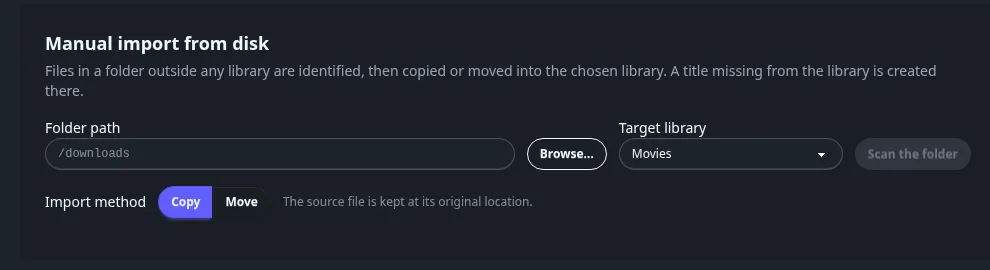
Manual import from disk#
Identifies the files of a folder that is outside any library, then copies or moves them into a library. A title missing from the library is created.
| Field | Meaning |
|---|---|
| Folder path | A path as the server sees it (inside the container if you use Docker). Browse... opens a folder picker. |
| Target library | Only libraries with a folder. The scan filters by that library's media types, so changing the target after a scan triggers a new scan. |
| Import method | Copy (default) keeps the source file. Move deletes the source once the copy succeeded. |
| Scan the folder | Starts the scan. The result is the same review screen as a library scan, where you accept or fix each match before importing. See Libraries. |
Watch history of a media server#
For each server saved under Media servers, an Import history button imports its playback history: watched movies, episodes in progress and hidden items. Users are matched by name and created if missing; the result toast reports users, views imported and skipped. With no server configured the card says so.
Request manager#
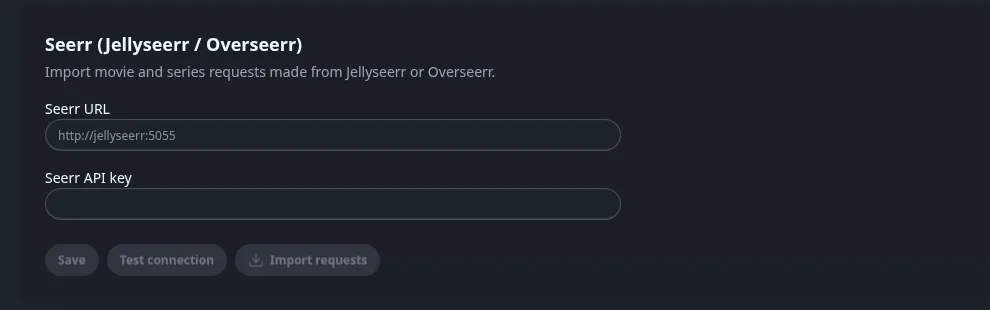
Imports the movie and series requests made in a request-management tool that has an API. Fill URL and API key, Save, Test connection, then Import requests. The toast reports users, requests imported, updated and skipped. See Requests.
Movie, series and music managers#
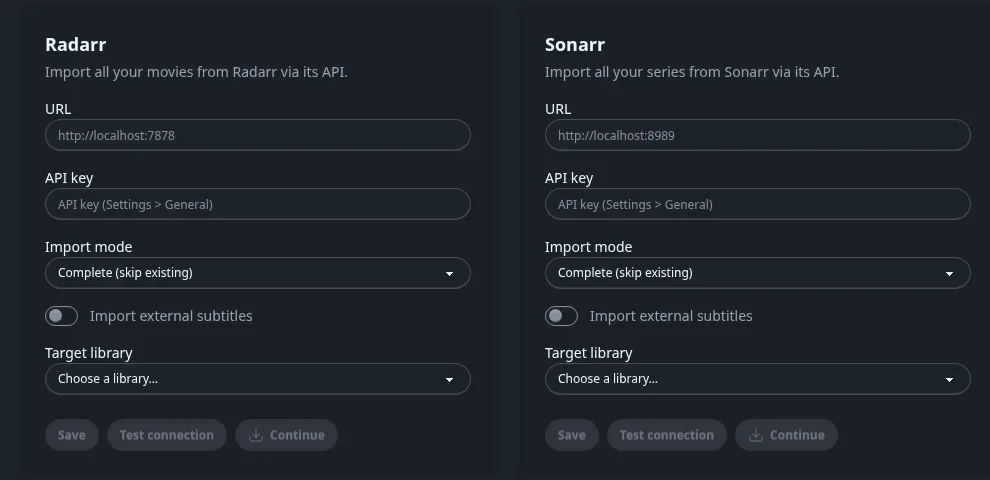
Three cards read the library of a movie manager, a series manager and a music manager through their APIs. Each has the same fields:
| Field | Meaning |
|---|---|
| URL, API key | The tool's address and key. Saved, then masked. |
| Import mode | Complete (skip existing) imports only what Fliks lacks. Update (update existing) also refreshes titles already present. |
| Import external subtitles | Also imports subtitle files found next to the media. |
| Target library | The Fliks library receiving the titles. |
| Test connection, Continue | Continue starts the import. It first shows a Root folder mapping step where you map each of the other tool's root folders to a Fliks root folder or choose Ignore, because container paths often differ. |
The music card also creates the root folders and quality profiles it finds. If no compatible root folder exists, the mapping step sends you to Libraries first.
See also#
- Libraries for the scan review used by the disk import.