
Administration
First-day admin tasks
A checklist for the jobs you do right after installing: add a user, make a role, enable subtitles, set up notifications, install a plugin, run a task and take a backup.
Seven jobs for right after installing. Each links to the page with the click-through. A watch-only server needs only the first.
Everything starts in the administration area: user menu, Administration.
Create a user and give access to a library#
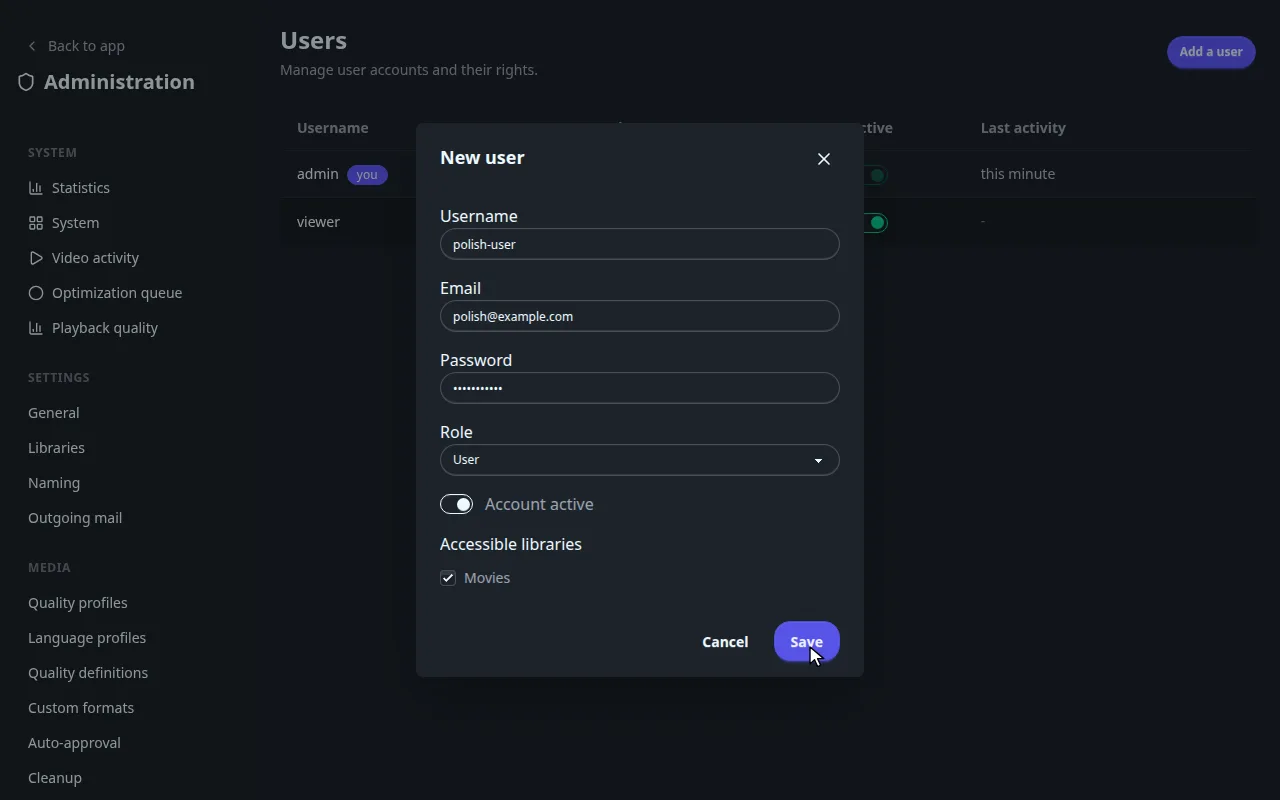
Open Settings > Users, click Add a user. Steps: Users.
Create a role#
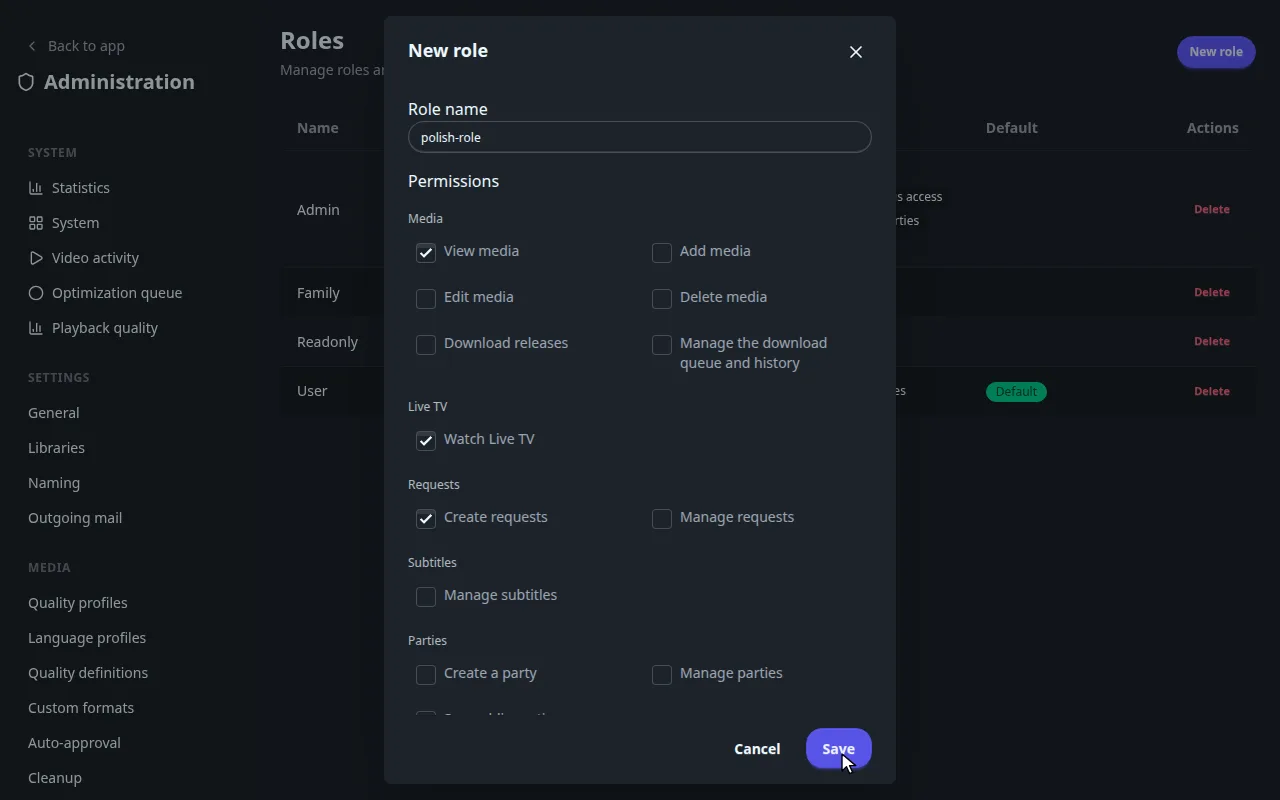
Open Settings > Roles, click New role. Steps: Roles and permissions.
Enable a subtitle provider#
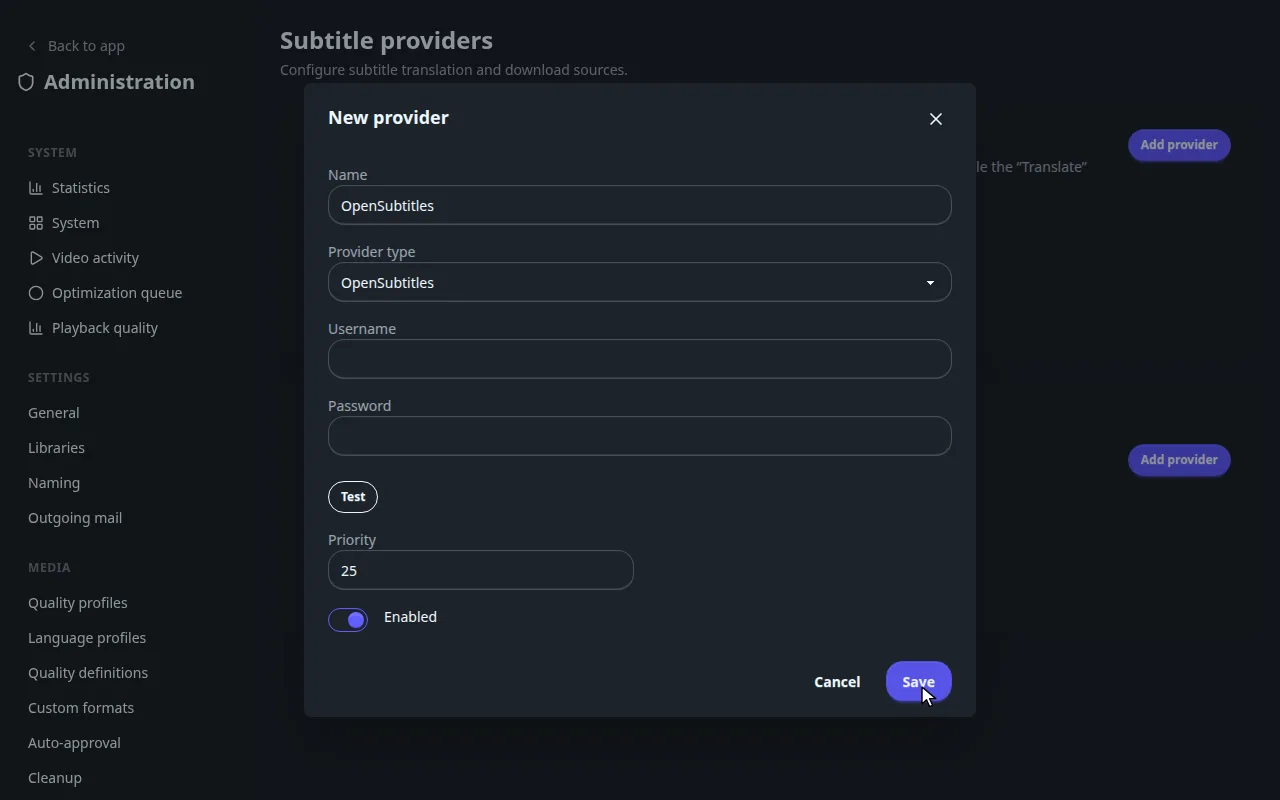
Open Subtitles > Subtitle providers, click Add provider. Steps: Subtitle providers.
Set up notifications#
Open Integrations > Notifications. Alerts to Discord or ntfy: Alerts to Discord, Slack and ntfy. Phone push: Push notifications.
Install a plugin from the catalogue#
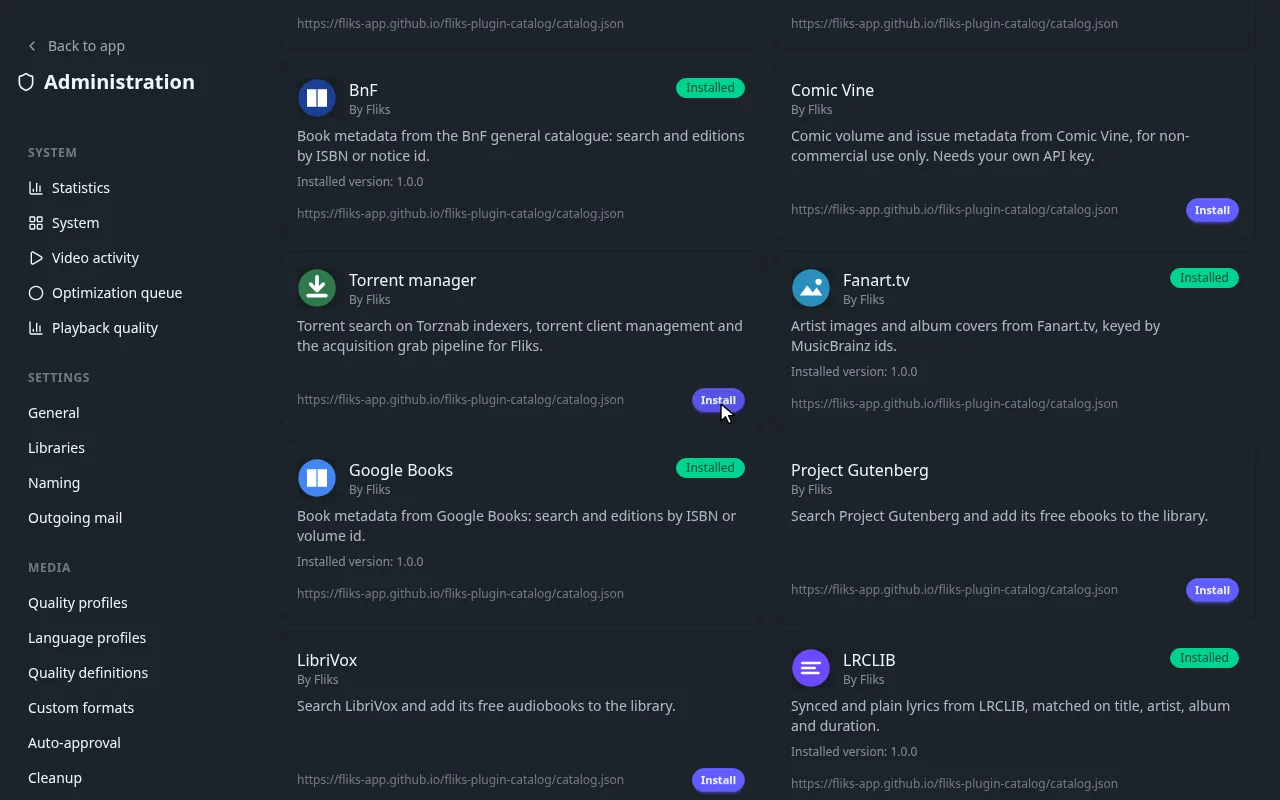
Open Advanced > Plugins, click Search for a plugin. Steps: Plugins.
Run a scheduled task#
Open Advanced > Scheduled tasks and click the play button of a row. More: Scheduled tasks.
Make a backup#
Open System, select Backups, click Create a backup. More: Backups.