
Built-in plugins
Download clients
Connect qBittorrent or Transmission to Torrent manager, and share the download folder so Fliks can import what the client fetched.
Add your torrent client in Settings > Torrent manager > Download clients, test it, save. Then make sure both containers see the same download folder.
Works with:
- qBittorrent, Web UI port
8080 - Transmission 3.0 or later, port
9091
Add a client#
- Open Settings > Torrent manager > Download clients and click New download client.
- Pick the Type, then type the Host, Port, Username and Password of the client.
- Click Test connection, then Save.
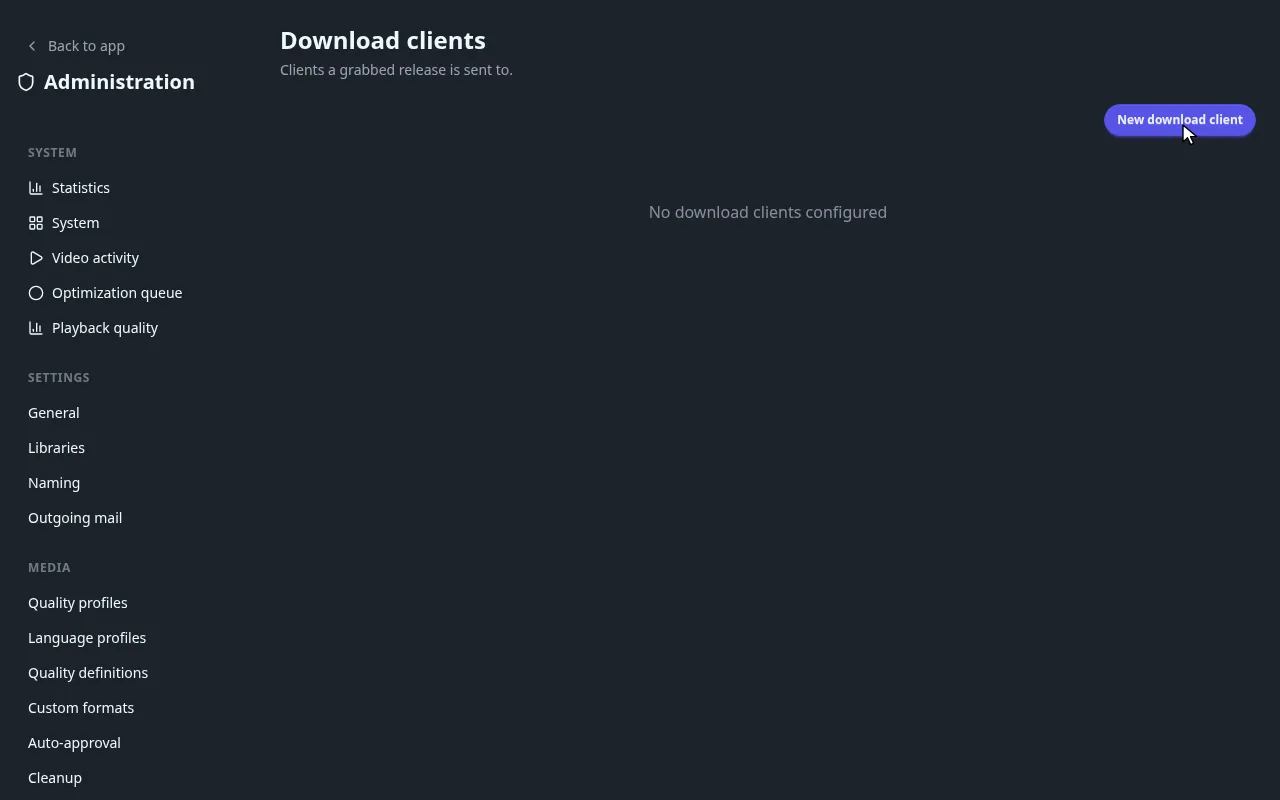
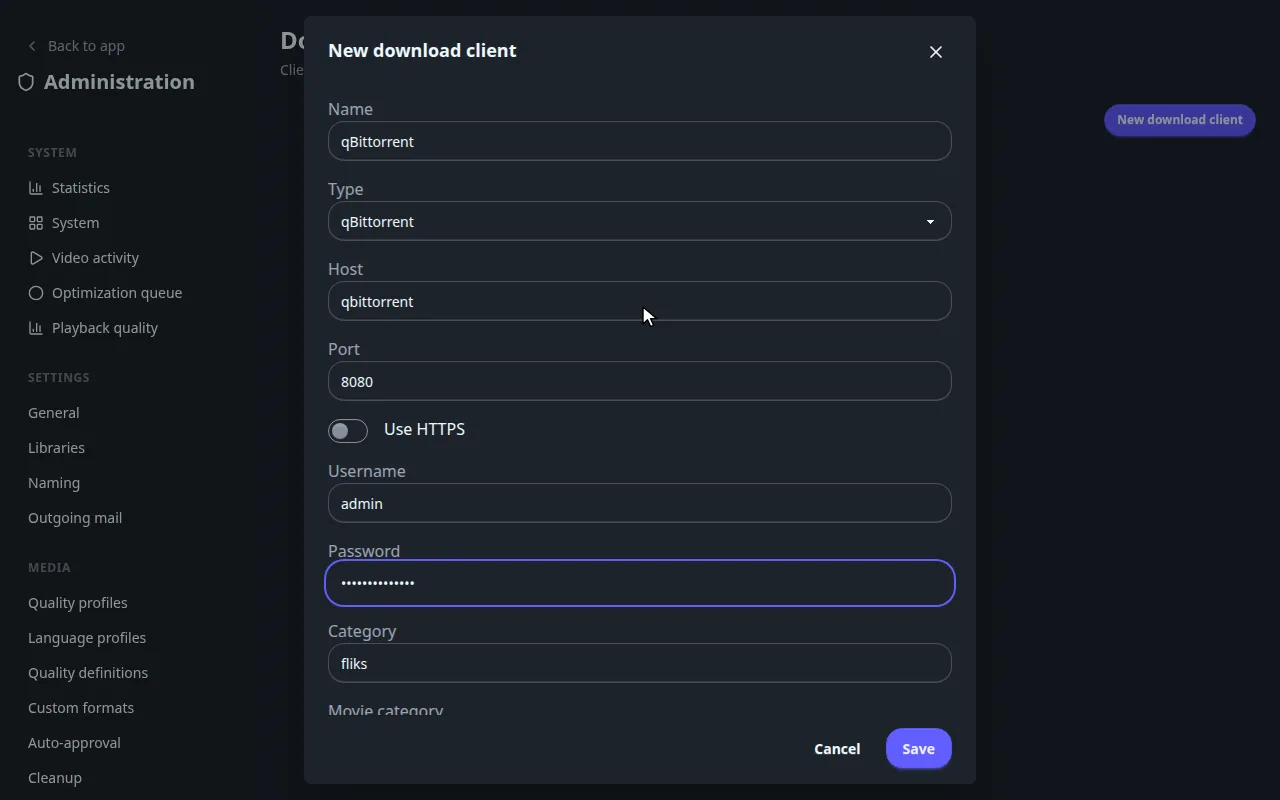
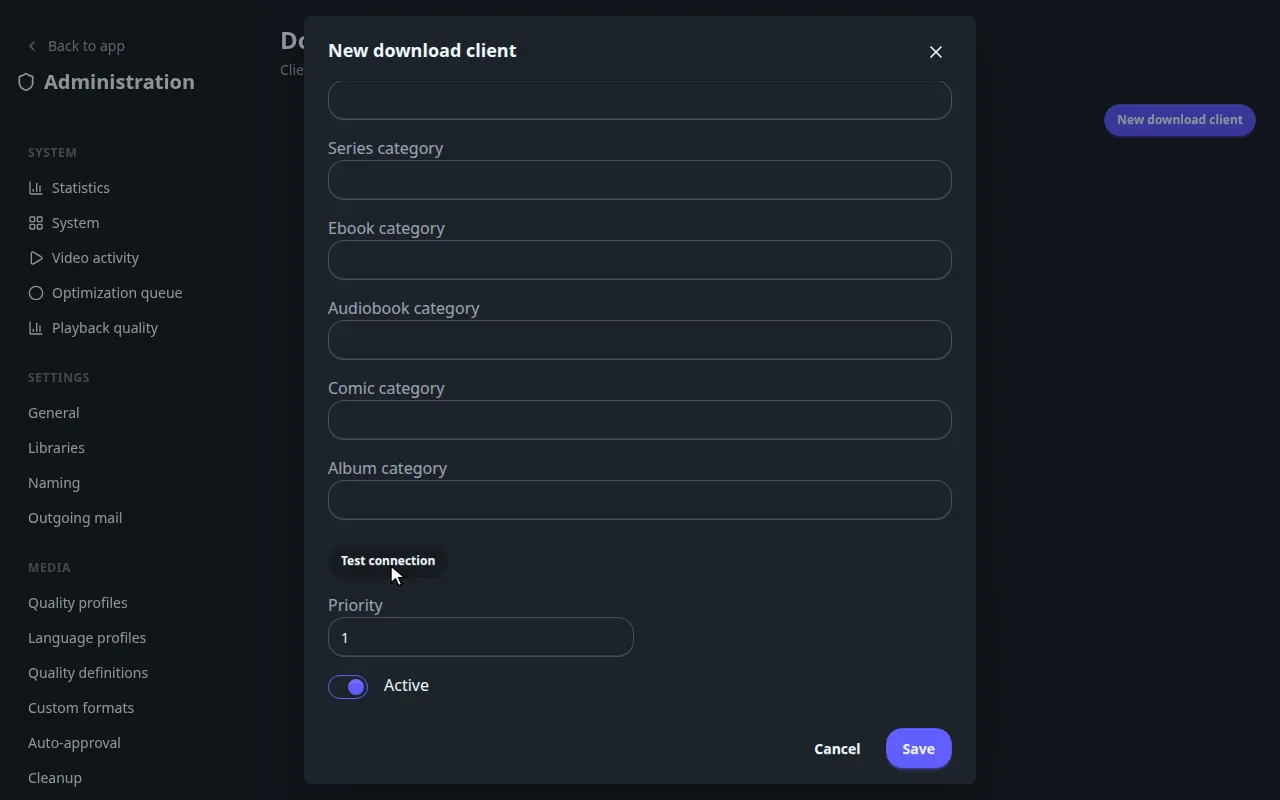
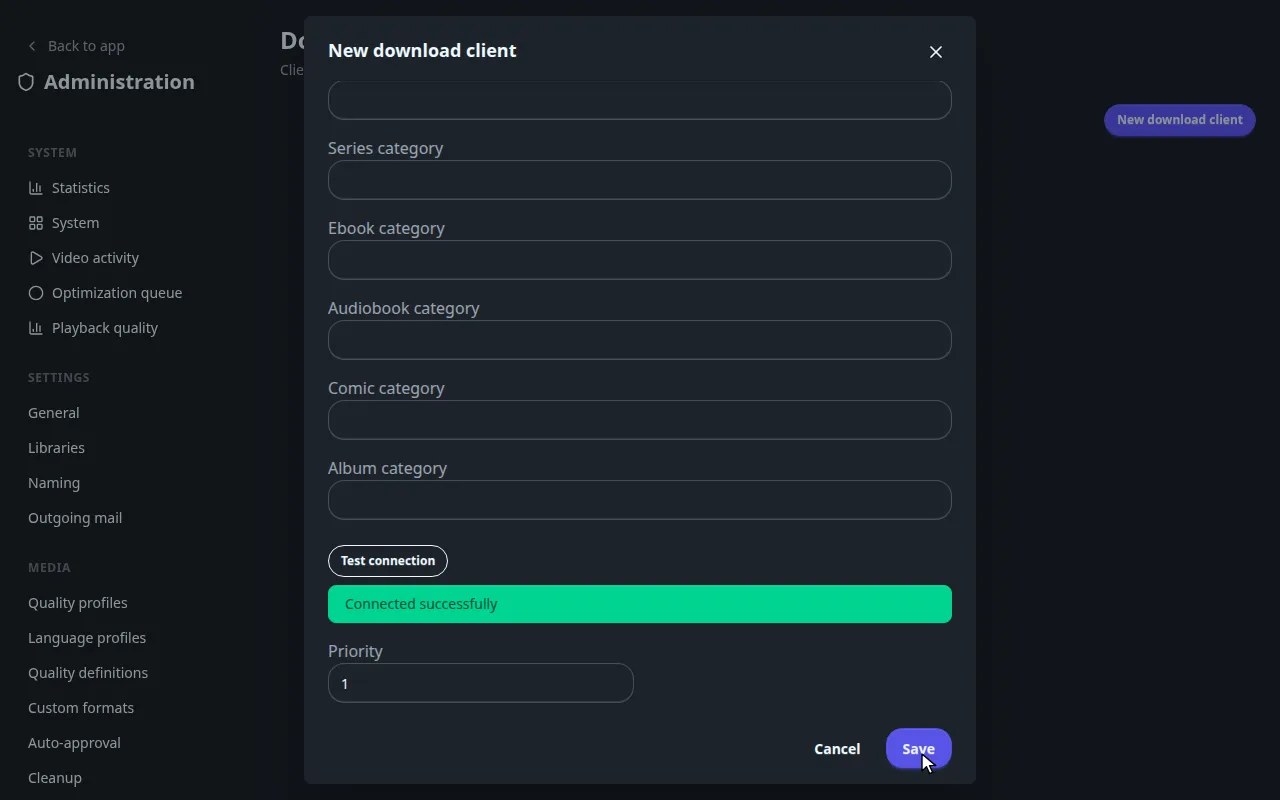
Host is the address Fliks uses: a Docker service name or the host's LAN address, never localhost when
Fliks runs in Docker. For Transmission, also set Port to 9091 (the form keeps 8080) and URL base
to /transmission/.
The shared folder#
Fliks reads the finished file from the client's folder, so both containers must see it under the same path:
- Mount the same host folder at
/downloadsin Fliks and in the client. - Set the client's save path to
/downloads(qBittorrent: Options > Downloads > Default Save Path).
services:
  fliks:
    volumes:
      - /srv/downloads:/downloads
  qbittorrent:
    volumes:
      - /srv/downloads:/downloads
Another save path, like /data/torrents, makes every import fail with is outside every configured ingest
root. Fliks copies the file into the library and leaves the original seeding until its
seeding limit.
Reference#
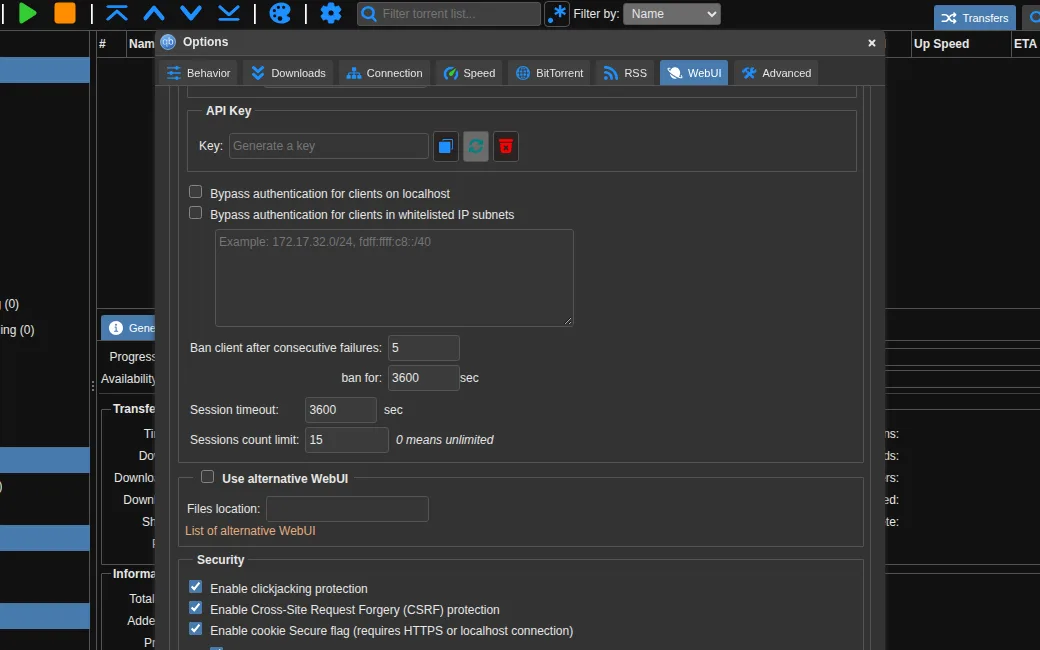
Where to find the port and password in qBittorrent
Gear icon, Options, WebUI: the Port (inside the container when qBittorrent runs in Docker) and the Username. A fresh qBittorrent prints a temporary password in its log that changes at every restart: set your own Password there. The API Key section is not used.
In Transmission, enable the remote interface and note its port, username and password.
Test connection: every message
Test connection signs in and asks the client for its state. It does not add anything.
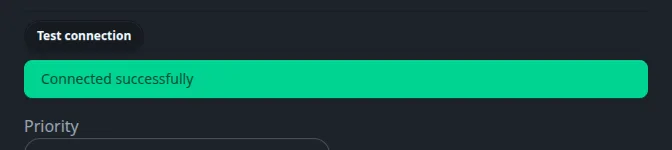
| Message | Meaning |
|---|---|
| Connected successfully | Address, port and sign-in work. |
| Host is required | Host is empty. |
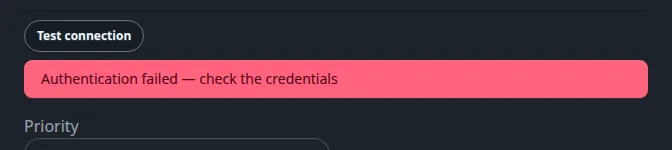
| Authentication failed, check the credentials | The client answered but refused the username or password. |
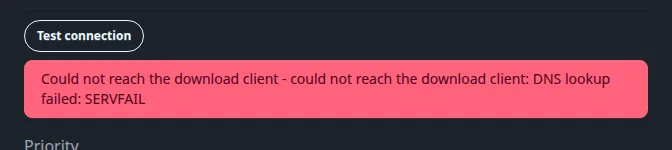
| Could not reach the download client | Nothing answered: wrong host or port, the client is stopped, or the name is not known from the Fliks container. |
Client options#
Every client option, categories and priority
| Option | Default | What it does |
|---|---|---|
| Name | The name shown in the list. | |
| Type | qBittorrent | qBittorrent or Transmission. |
| Host | localhost |
The address Fliks uses to reach the client. Required. |
| Port | 8080 | The Web UI or remote interface port. |
| Use HTTPS | off | Reach the client over HTTPS. |
| URL base | empty | Transmission only. The path of the remote interface. |
| Username, Password | empty | The client's sign-in. The password is stored encrypted. Leave it blank when editing to keep the saved one. |
| Category | fliks |
The category (qBittorrent) or label (Transmission) every download is filed under. |
| Movie category, Series category, Ebook category, Audiobook category, Comic category, Album category | empty | A different category for that kind of media. Empty uses Category. |
| Priority | 1 | Lowest number first. |
| Active | on | A disabled client is not used and not followed. |
Categories keep Fliks to its own torrents. Fliks only follows and cleans torrents in the categories above. A torrent you added yourself to the same client is left alone, and Fliks refuses to take over a release the client already holds outside its category. If you empty Category, the client is not scoped and Fliks sees all its torrents, so keep a category.
Priority matters when you have several clients: new downloads go to the first enabled client, the one with the lowest number. The others are still followed for downloads already sent to them, and take over if the first is disabled.
Edit or remove a client
Click a row to edit it. Clear stored value next to Password forgets the saved password. Delete removes the client from Fliks; the torrents in it are not touched.