
Administration
Subtitle settings
The three administration pages for subtitles, field by field - Subtitles, Subtitle providers and Subtitle activity.
Three admin pages under Subtitles control how Fliks finds, downloads and translates subtitles. A watch-only setup needs none of them: embedded and sidecar subtitles play without. To get automatic downloads, add one provider under Subtitle providers. What a subtitle is and how to manage them per title is in Subtitles.
Subtitle providers#
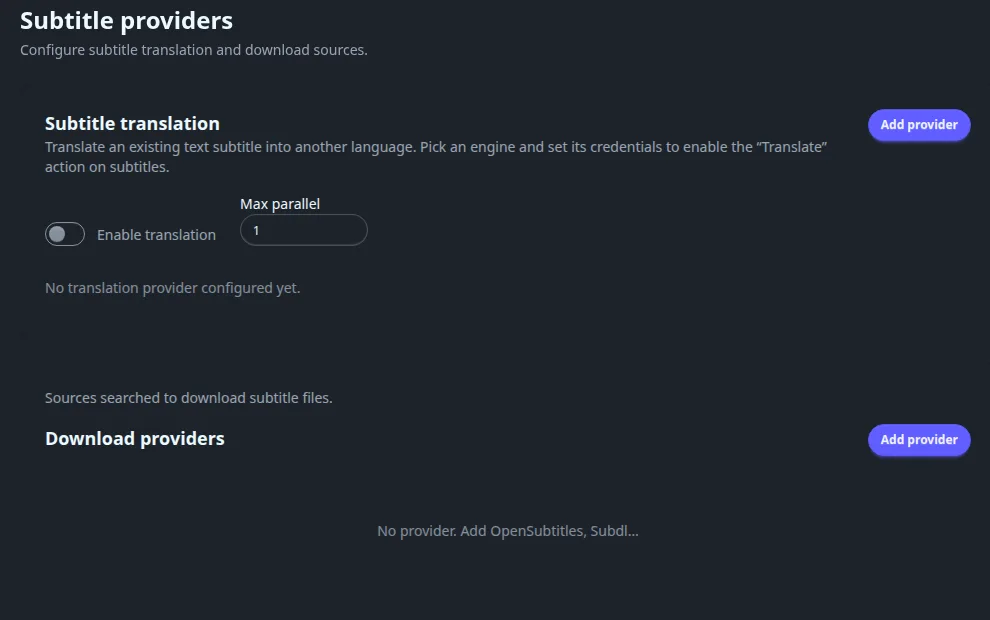
Needed only for automatic search and downloads. The page has two cards: Download providers and Subtitle translation.
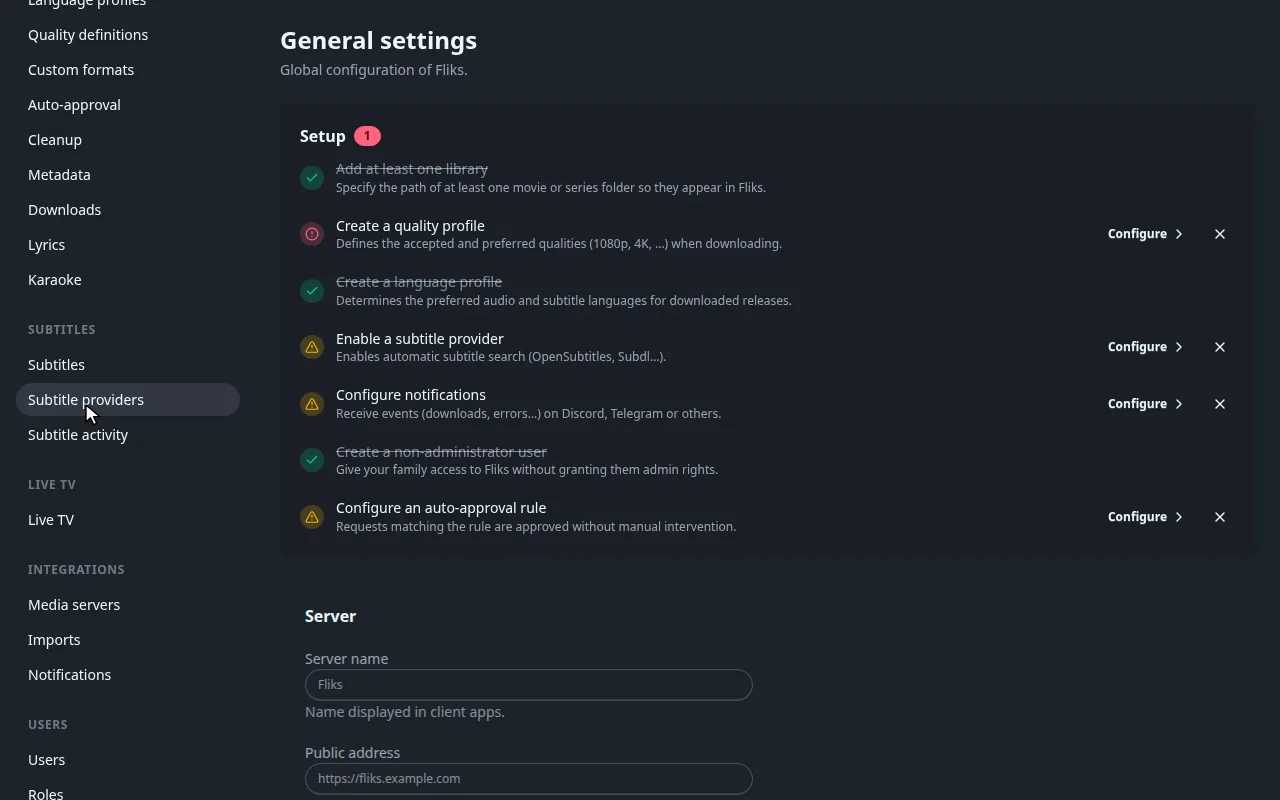
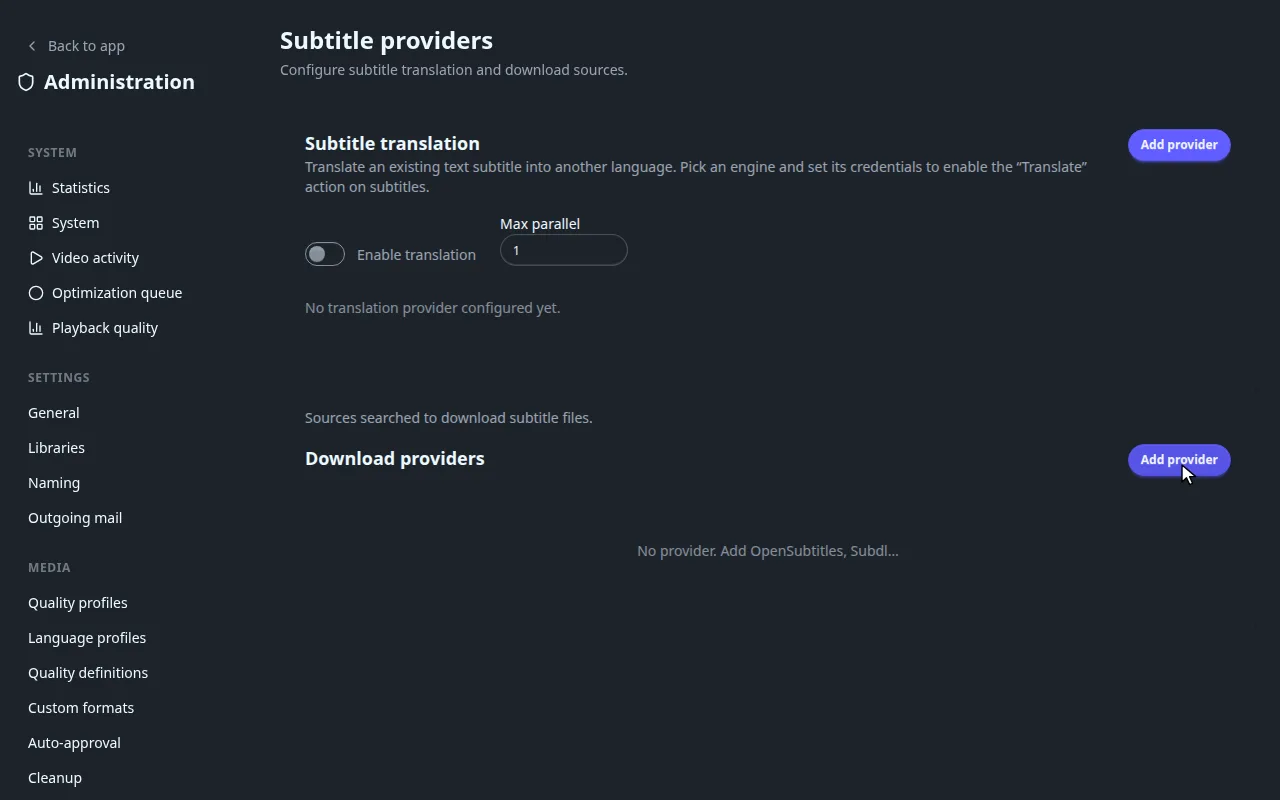
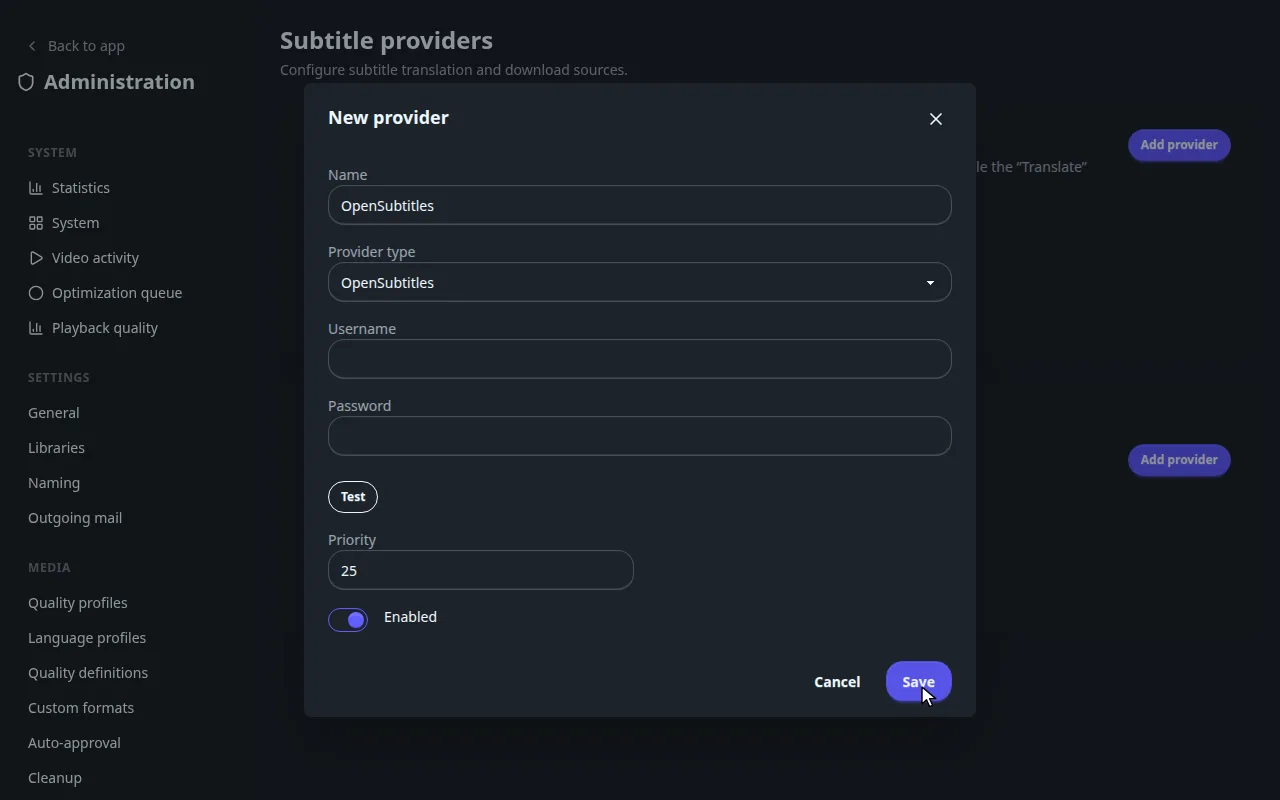
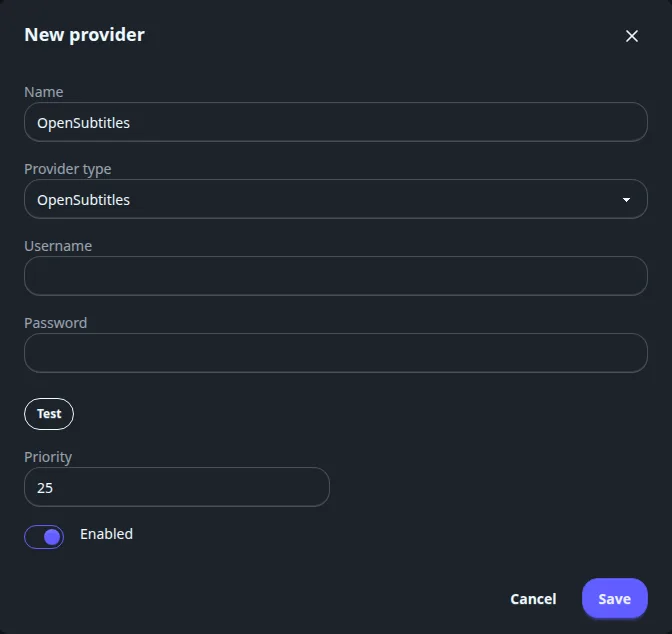
Subsynchro, Supersubtitles, YIFY and Gestdown need no credentials. For OpenSubtitles enter Username and Password, for Subdl an API Key, then press Test: it answers Connection successful. or Connection failed.
Every field of the provider form and the list
| Field | Meaning |
|---|---|
| Name | Filled with the provider type's name; rename it freely. |
| Provider type | OpenSubtitles, Subdl, Subsynchro, Supersubtitles, YIFY (yts-subs.com) or Gestdown (Addic7ed mirror). |
| Username and Password | OpenSubtitles only. |
| API Key | Subdl only. |
| Test | Checks the credentials. |
| Priority | Default 25. Providers are asked in ascending order: the lowest number first. |
| Enabled | On by default. |
The list has the columns Name, Type, Priority and Active (a switch). A provider that answered with a rate limit shows a Rate-limited badge with a delay: requests resume by themselves. Each row has Stats (the last 30 days: date, queries, average time, results, errors), Edit and Delete.
Translation#
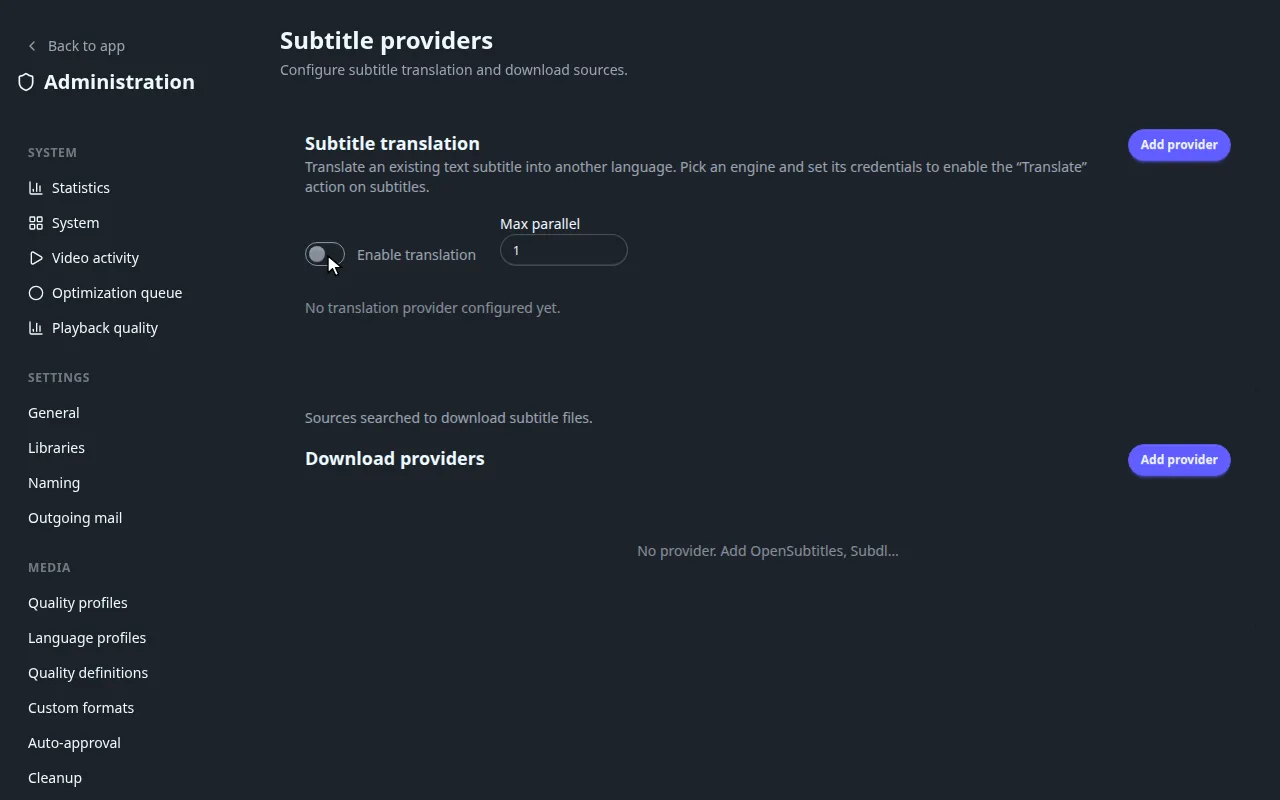
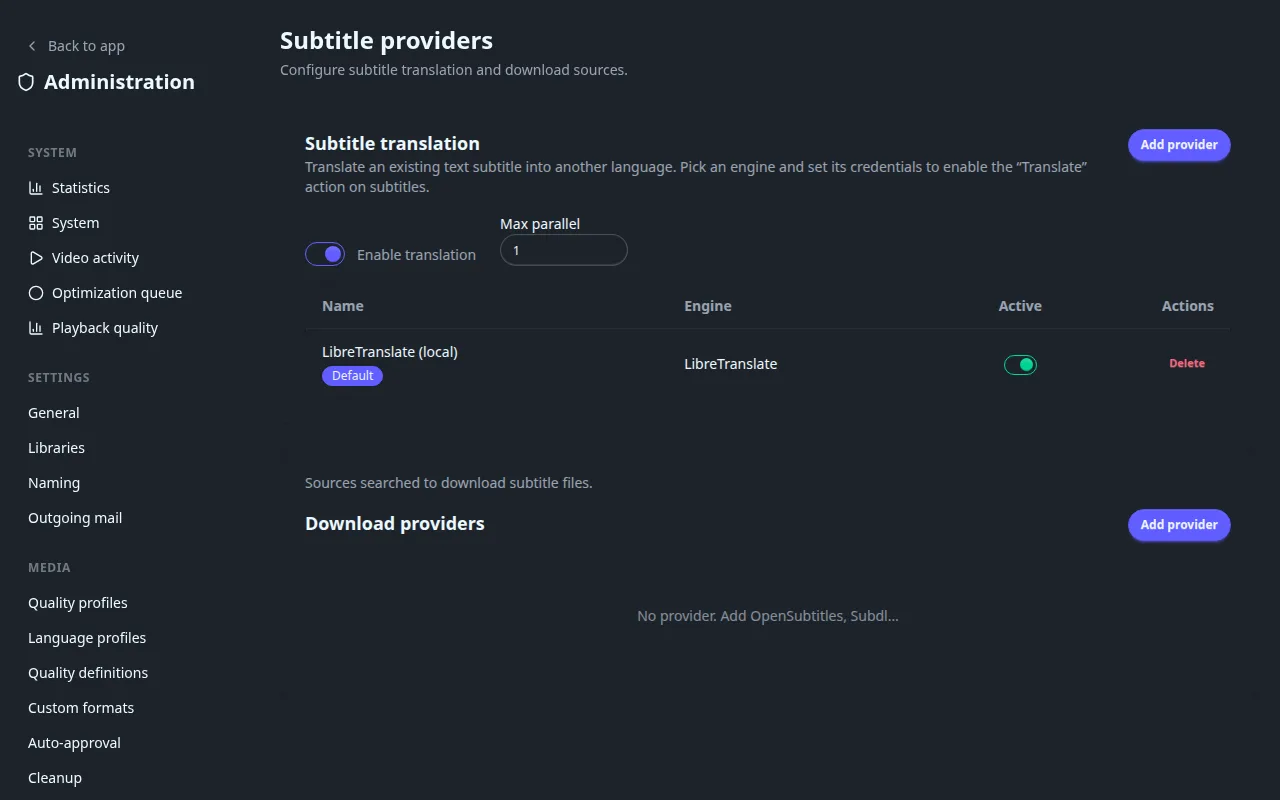
Translation turns an existing text subtitle into another language and adds the Translate action in the subtitle dialog. See Translating a subtitle. It does nothing until Enable translation (off by default) is on and at least one translation provider is added and active.
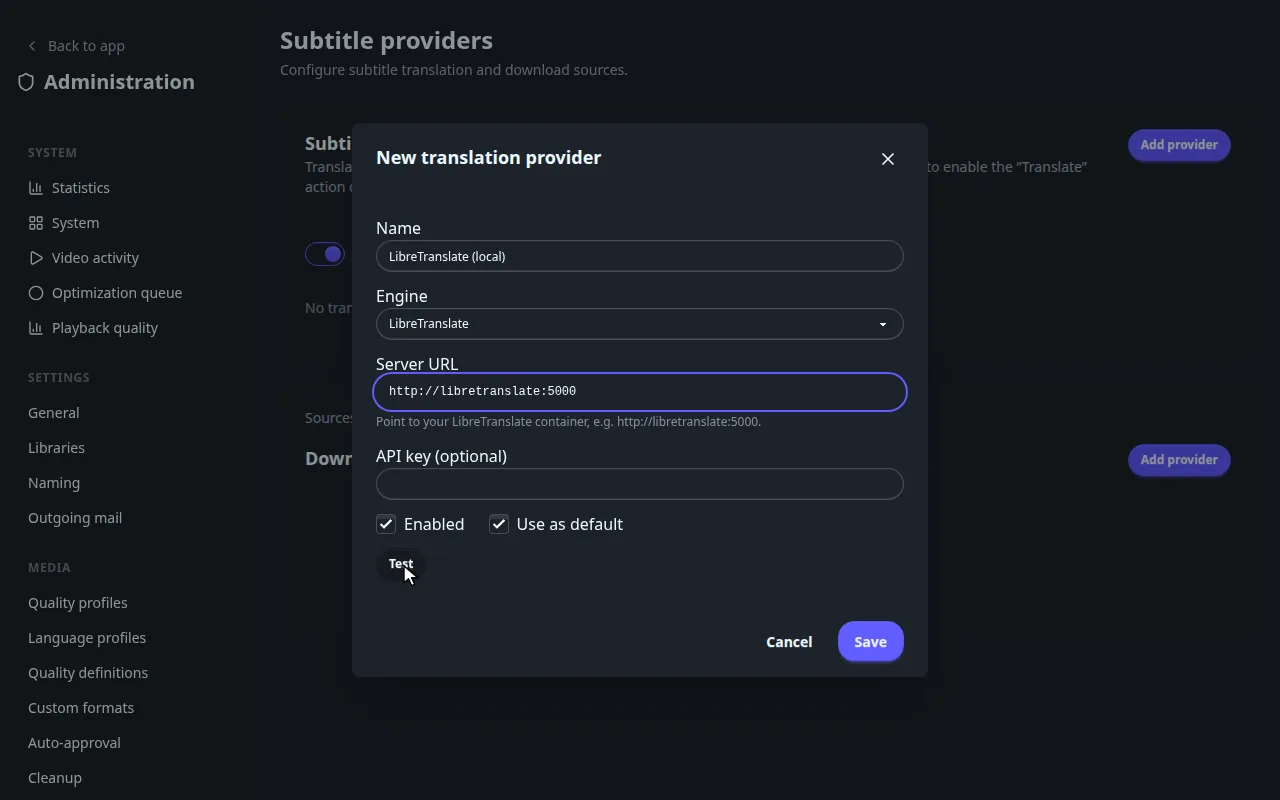
The example below sets up LibreTranslate, an open-source engine you run yourself: no account, no key. Start it next to Fliks, for example as a Compose service:
  libretranslate:
    image: libretranslate/libretranslate:v1.9.6
    environment:
      LT_LOAD_ONLY: en,fr   # only the languages you need; each pair is a download
    ports: ["127.0.0.1:5000:5000"]
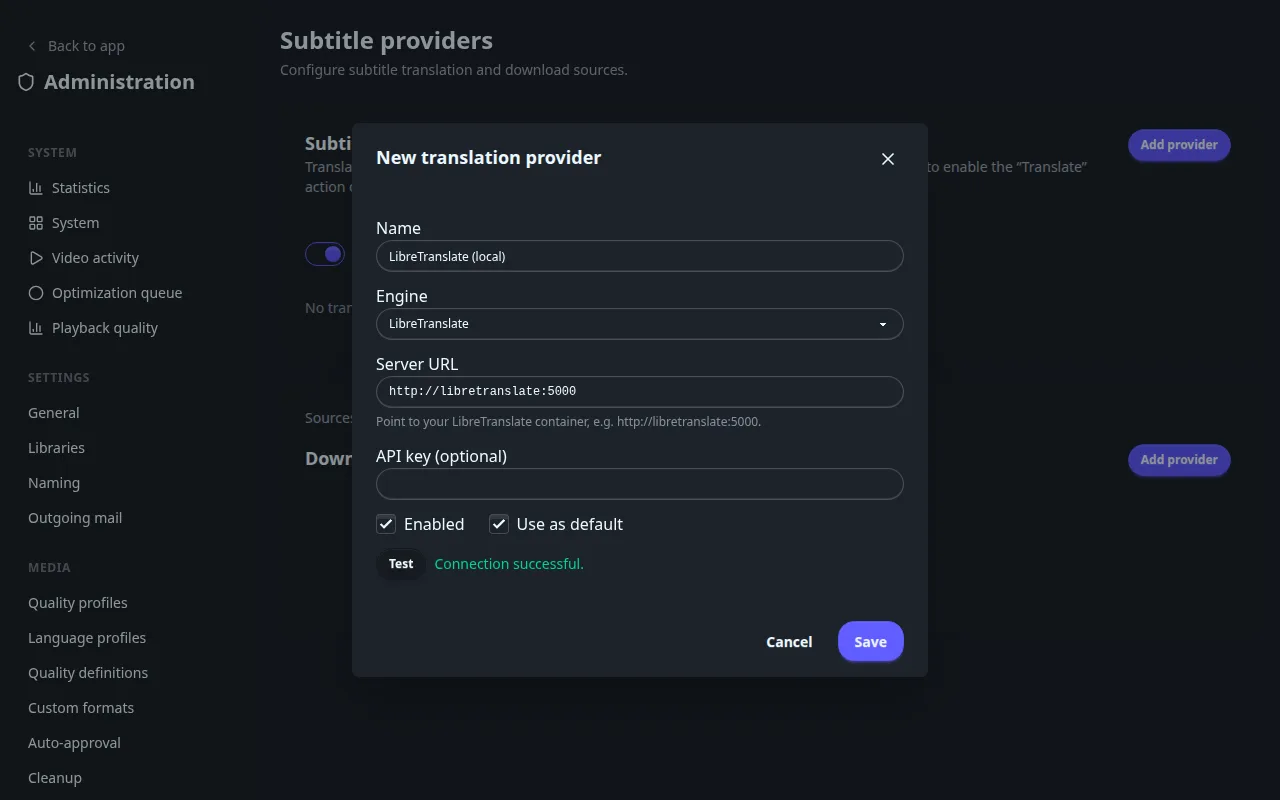
Both containers must share a Docker network, so that Fliks reaches it at http://libretranslate:5000. The first start downloads the language models and can take a few minutes.
Translation controls and every field of the provider dialog
| Control | Meaning |
|---|---|
| Enable translation | Master switch. Off by default. |
| Max parallel | How many translations run at once, at least 1. Default 1. |
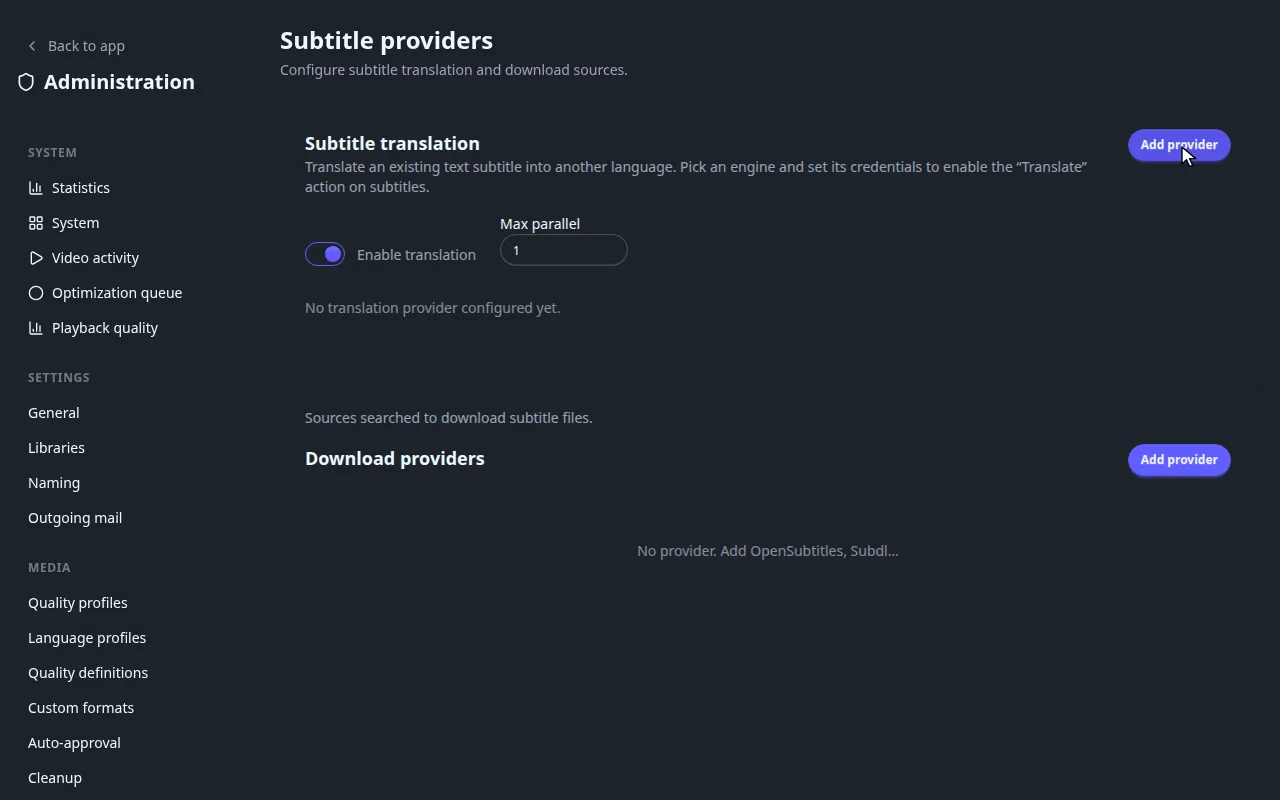
| Add provider | Opens New translation provider. |
| Field | Meaning |
|---|---|
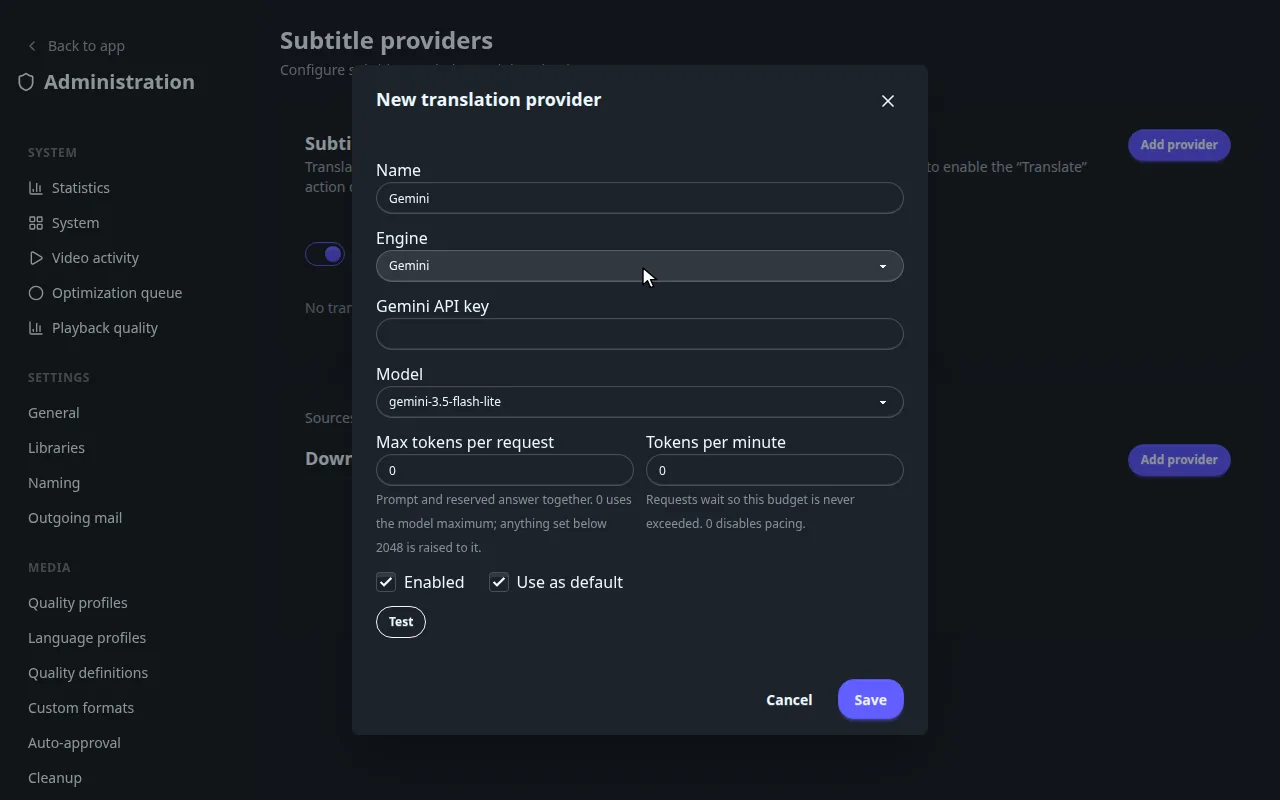
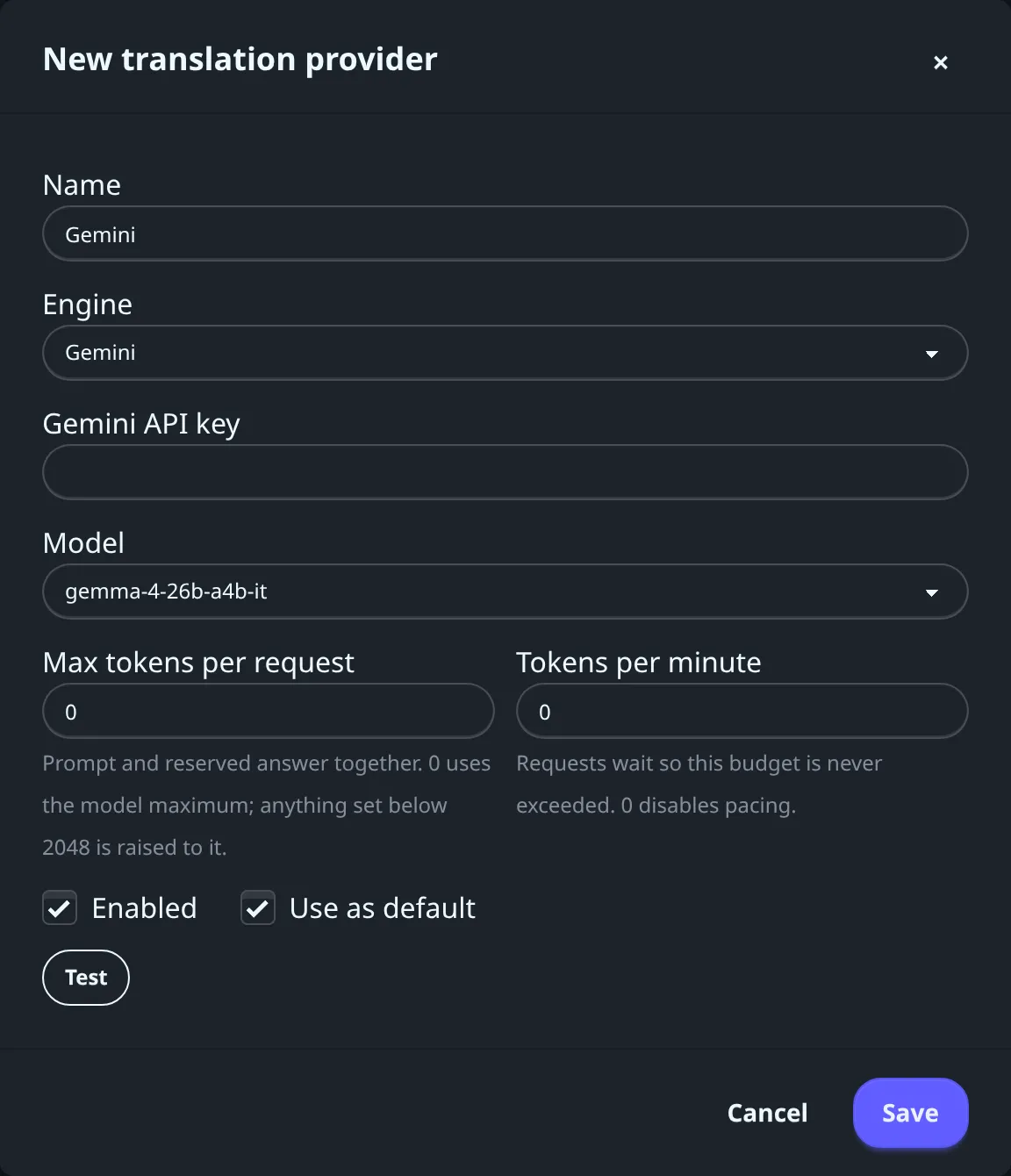
| Name, Engine | Gemini, OpenAI-compatible (Groq, OpenRouter, Ollama and similar) or LibreTranslate (self-hosted). |
| Gemini API key, Model | Gemini engine. The key is created in Google AI Studio. The model field is prefilled with gemini-3.5-flash-lite. |
| Base URL | OpenAI-compatible engine. Examples are shown under the field for Groq (https://api.groq.com/openai/v1), OpenRouter (https://openrouter.ai/api/v1) and Ollama (http://host.docker.internal:11434/v1, when Ollama runs on the Docker host). |
| API key (optional) | OpenAI-compatible engine: the key of the hosted service (Groq, OpenRouter and similar issue it in their dashboard), left empty for a local Ollama. LibreTranslate: only if your server was started with API keys. |
| Model | OpenAI-compatible engine: the model name, suggested from the list the endpoint reports or typed in. After switching Engine from Gemini, the field may still hold gemini-3.5-flash-lite: replace it. |
| Server URL | LibreTranslate, for example http://libretranslate:5000. |
| Max tokens per request | Prompt and reserved answer together. 0 uses the model maximum; a value under 2048 is raised to 2048. Not shown for LibreTranslate. |
| Tokens per minute | Requests wait so this budget is never exceeded. 0 turns pacing off. Not shown for LibreTranslate. |
| Enabled, Use as default | The default engine is used when several are enabled. |
| Test | Checks the engine before saving. |
Subtitles#
Settings > Subtitles has two tabs, Settings and Statistics. One Save at the bottom saves the whole page. The defaults work: open it to change how often Fliks searches or how strict it is. Which languages are searched comes from the library's language profile, see Libraries.
Search#
Automatic search runs every 360 minutes and downloads a result that scores at least 70 (0 to 100).
Every setting: search, upgrade, post-processing and cleaning
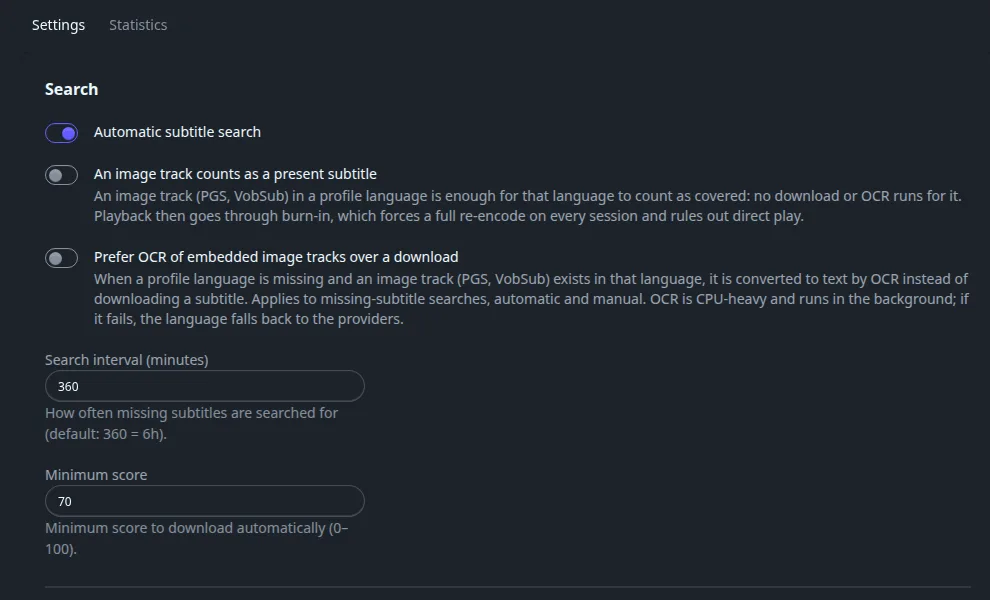
| Field | Default | What it does |
|---|---|---|
| Automatic subtitle search | On | Master switch for the scheduled search and the search after an import. Off: subtitles are only fetched by hand. |
| An image track counts as a present subtitle | Off | An embedded image track (PGS, VobSub) in a profile language counts as covering that language, so no download or OCR runs for it. Playback of that track then needs a burn-in, which re-encodes every session and rules out Direct Play. |
| Prefer OCR of embedded image tracks over a download | Off | When a profile language is missing and an image track exists in it, convert that track to text by OCR instead of downloading. Applies to automatic and manual missing-subtitle searches. OCR is CPU-heavy and runs in the background; if it fails, the language falls back to the providers. |
| Search interval (minutes) | 360 | How often missing subtitles are searched for (6 hours). Accepts 30 to 1440. |
| Minimum score | 70 | A result must reach this score (0 to 100) to be downloaded automatically. |
Upgrade#
| Field | Default | What it does |
|---|---|---|
| Upgrade interval (minutes) | 720 | How often Fliks looks for a better subtitle (12 hours). Accepts 60 to 2880. |
| Upgrade threshold | 90 | A subtitle scoring below this is replaced when a better one is found. |
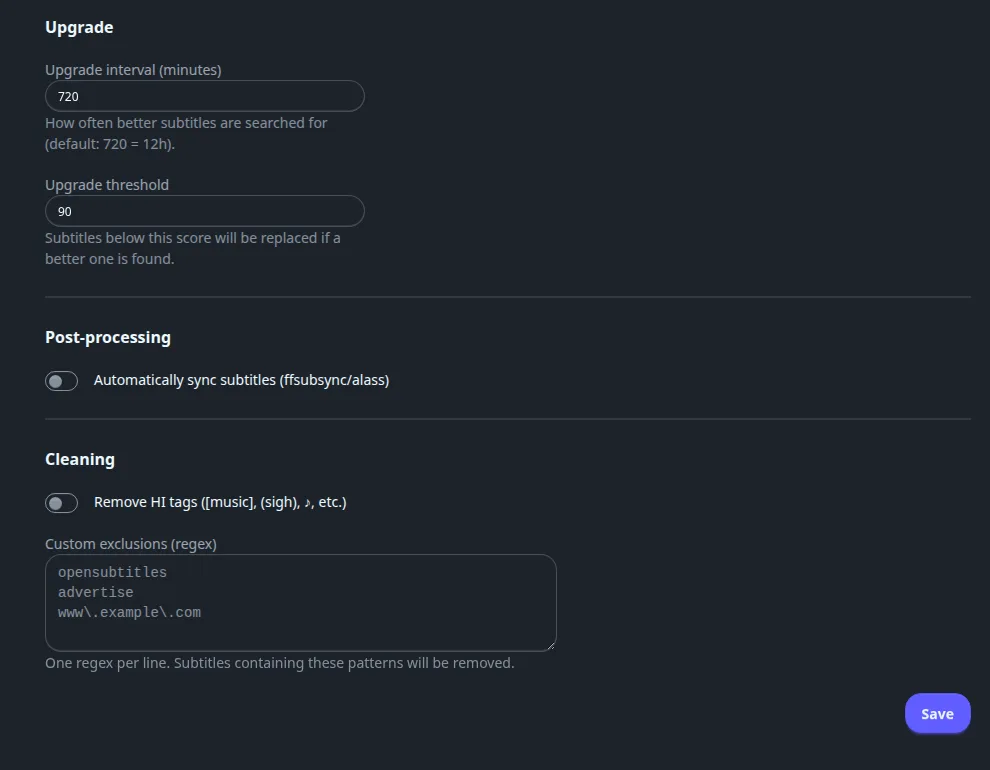
| Field | Default | What it does |
|---|---|---|
| Automatically sync subtitles (ffsubsync/alass) | Off | Runs the sync tool on each subtitle after it is downloaded, to line it up with the audio. See Fixing out-of-sync subtitles. |
| Remove HI tags ([music], (sigh), ♪, etc.) | Off | Strips hearing-impaired annotations from downloaded text. |
| Custom exclusions (regex) | Empty | One regular expression per line. A subtitle line matching one is removed, handy for advertisements. |
The Statistics tab
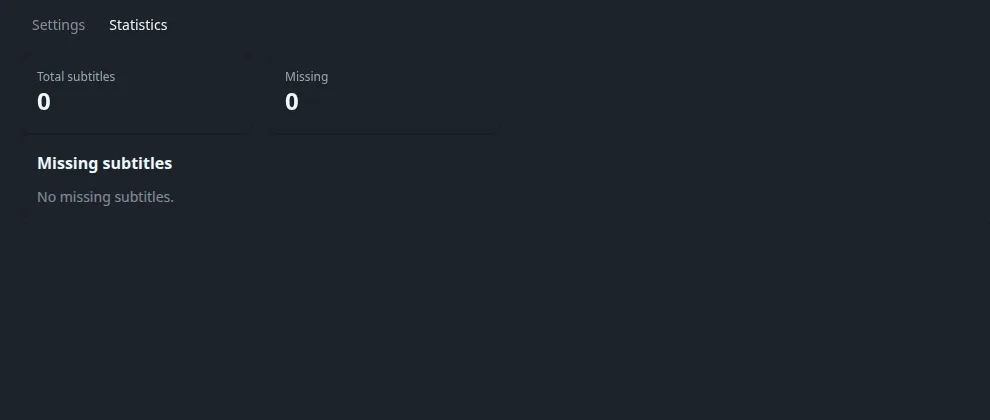
It shows Total subtitles, Missing, a count per status (downloaded, synced, upgraded, failed, embedded) and, once providers have answered, By provider. Missing subtitles lists every file lacking a profile language, with a Forced badge where it applies and a magnifier button that searches for that one row now (a toast tells you whether a subtitle was found above the minimum score).
Subtitle activity#
Subtitles > Subtitle activity is a history of what Fliks did with subtitle files (needs the media read permission). It is empty (No subtitle history.) until the first search ran.
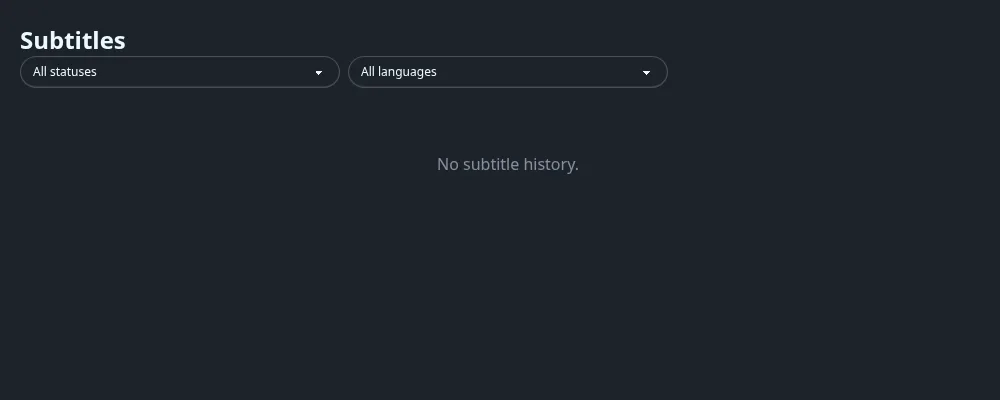
Filter by status (Downloaded, Upgraded, Synced, Failed) and language. A failed row carries the error behind the failure.
See also#
- Subtitles for the feature, the title-page dialog and scoring.
- Scheduled tasks and System: Search for missing subtitles and Upgrade subtitle quality run from there too.